SetClick Pro

Professional Click Track Player, Song and Setlist Management for Live Bands

Keep your band in perfect sync with powerful click track management.
Manage songs, build shows, create setlists, and deliver flawless live performances.

πŸŽ‰ 100% Free to use single user features β€’ Works Offline β€’ No Installation Required

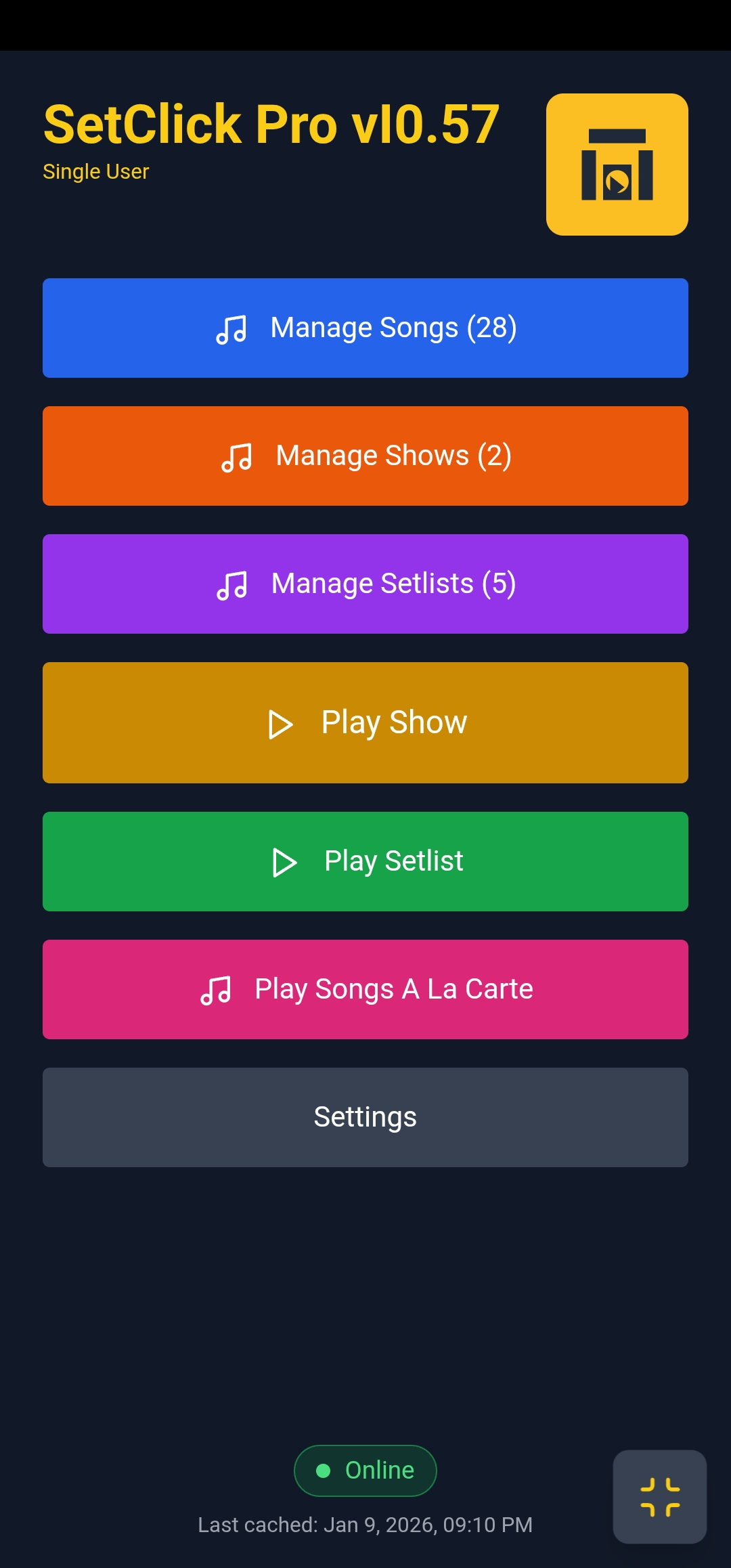
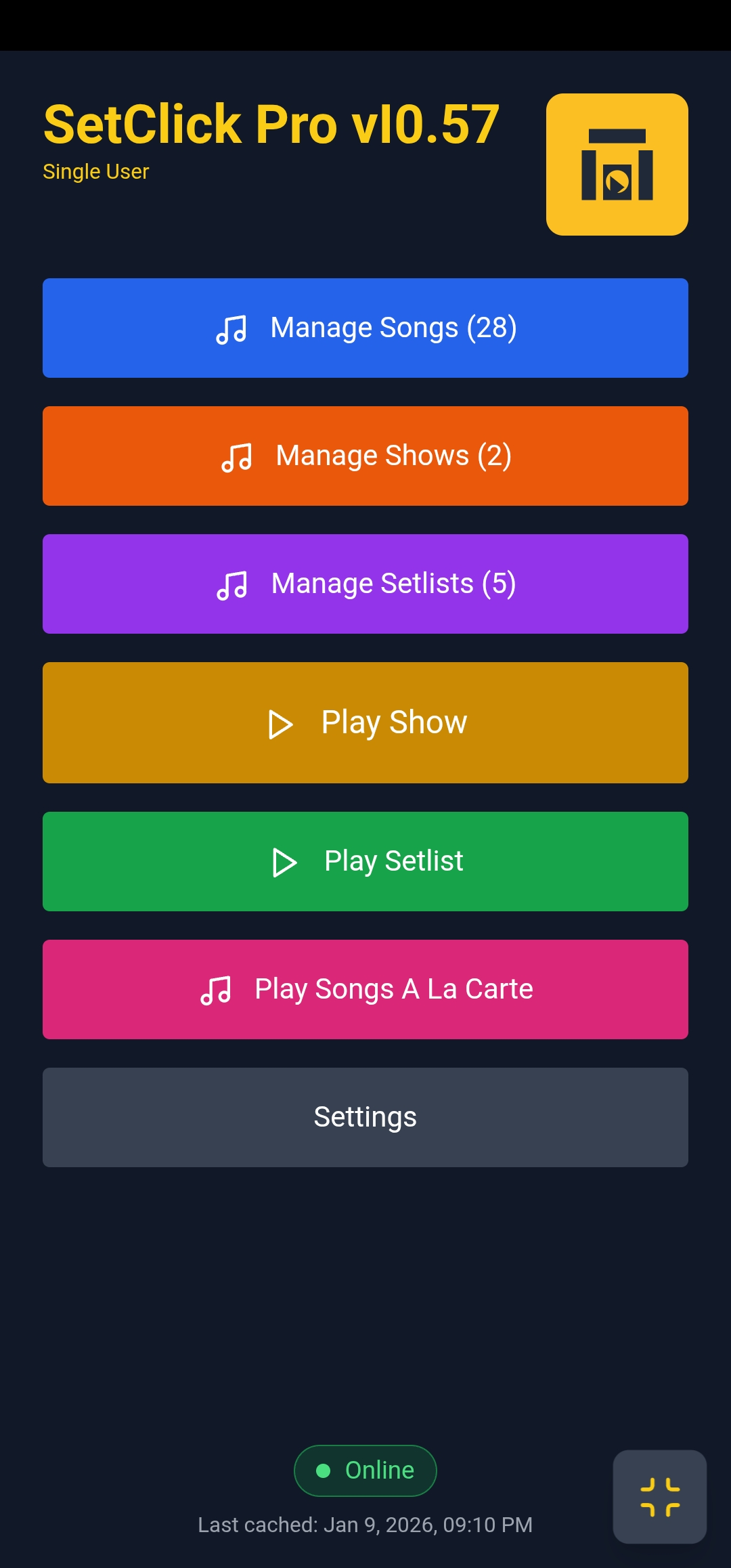
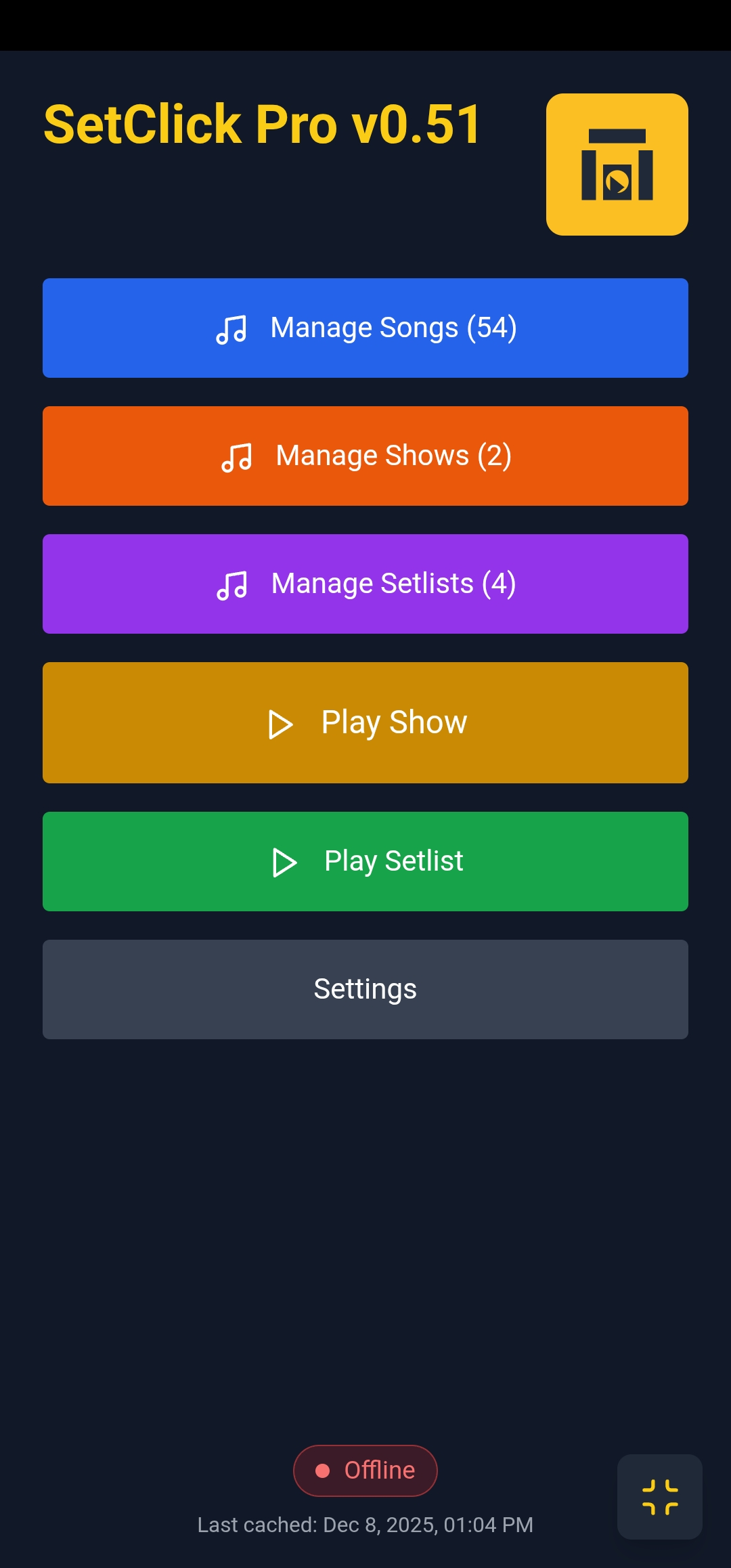
SetClick Pro running on mobile device

Why SetClick Pro

🌐

Works Anywhere, On Any Device

Runs directly in your web browserβ€”phone, tablet, or computer. No app store, no downloads, no compatibility issues, install app icon on your phone or computer for easy access.

Easy workflow: Use SetClick Pro on your computer to set everything up then export a backup and import it on your phone! Just email it to yourself or save it to a cloud drive you can access on both devices.

πŸ’Ύ

Bulk Import & Export

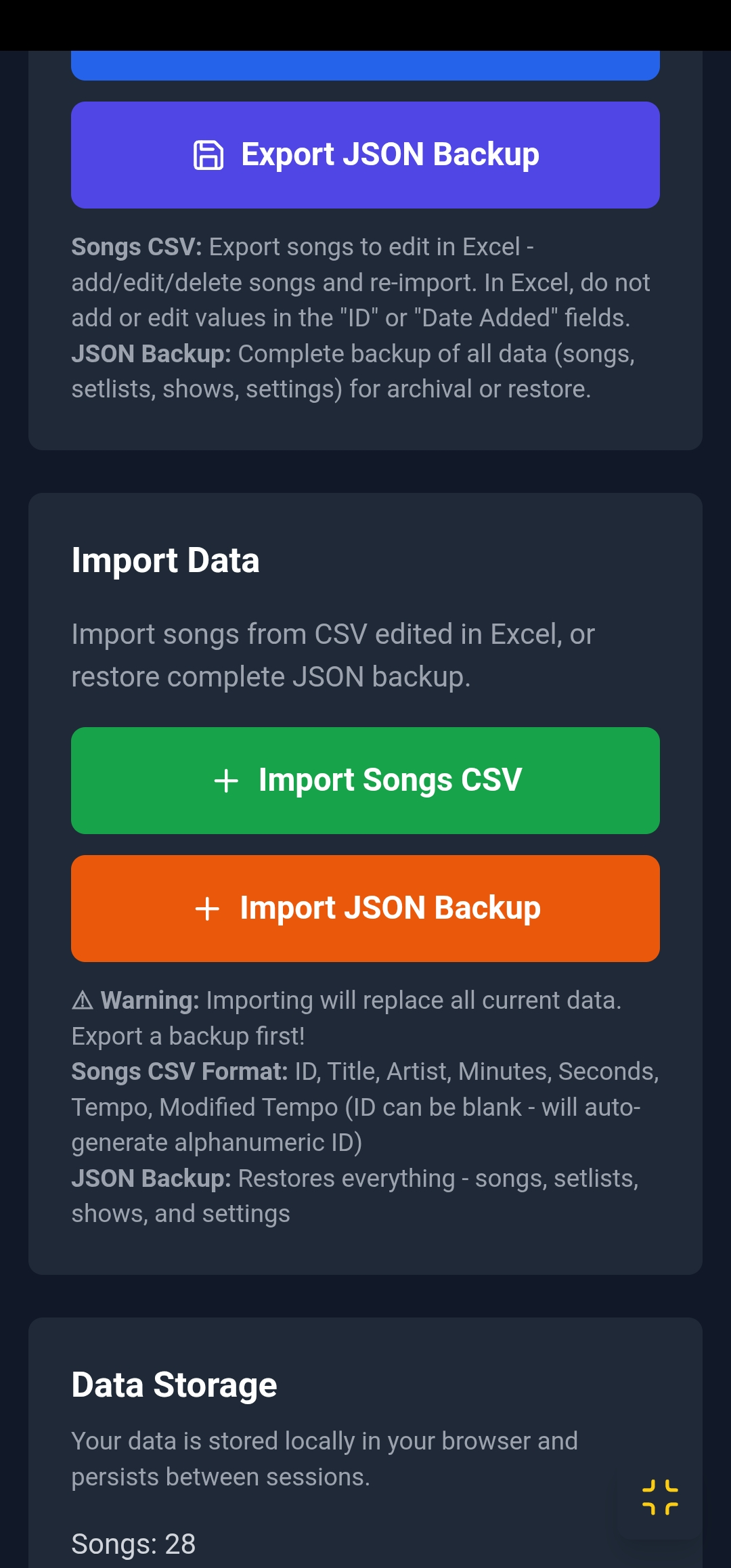
You can work entirely in SetCLick Pro or manage your songs with spreadsheet imports/exports. Set up on your computer, import to your phone!

πŸ“±

Complete Offline Support

Progressive Web App technology means it works perfectly without internet. Install to your home screen!

πŸ”„

System Backup & Migration

Save complete backups to restore your data, share with your group, or migrate between devices seamlessly.

Spotify Logo

Spotify Integration

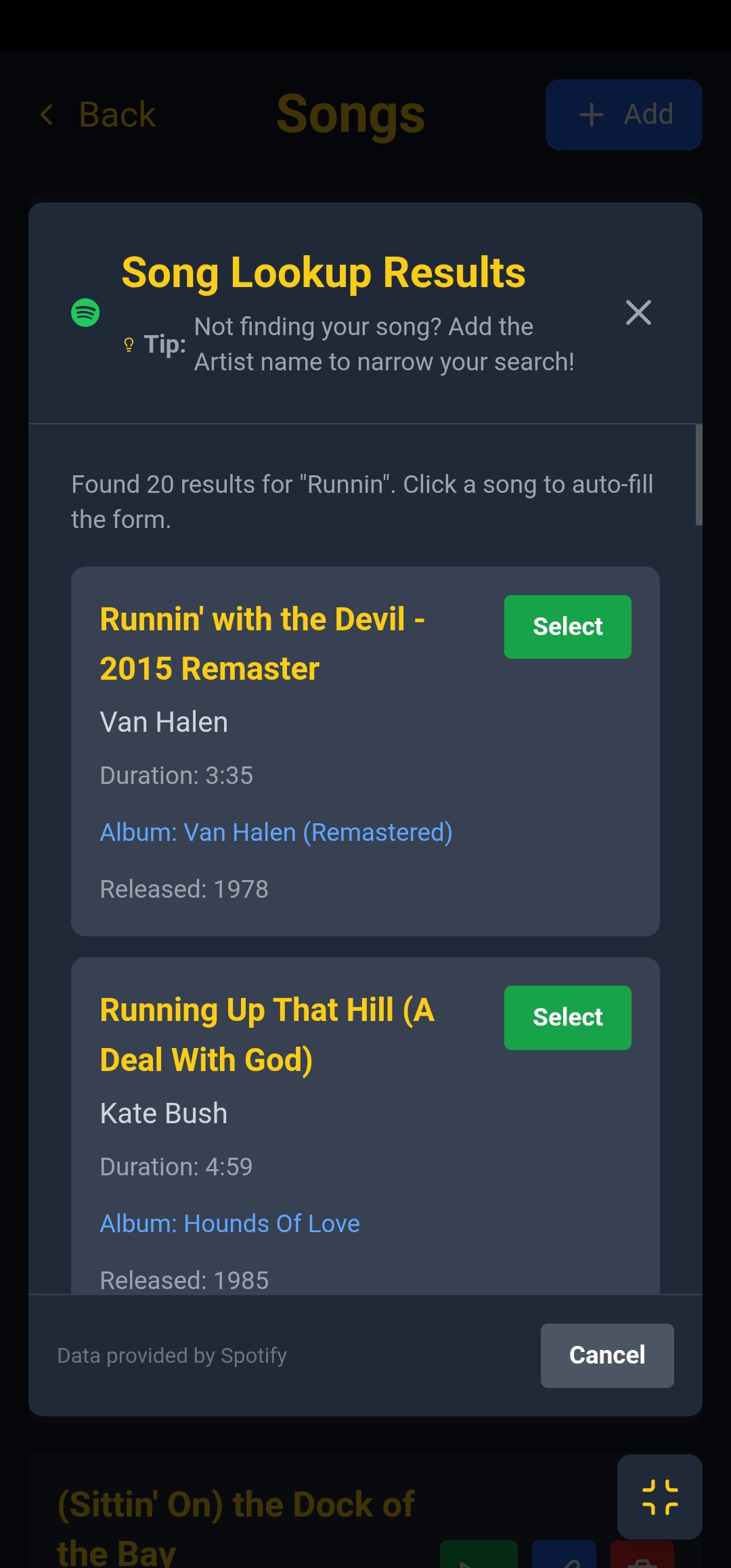
Look up songs with professional Spotify dataβ€”Tempo, duration, and album info auto-filled.

πŸ’°

Free

All single user features are free, no subscription, no ads. Optional advanced/cloud features will be available for a small subscription fee in the future.

Powerful Features for Professional Performances

Song Management

Your Complete Song Library

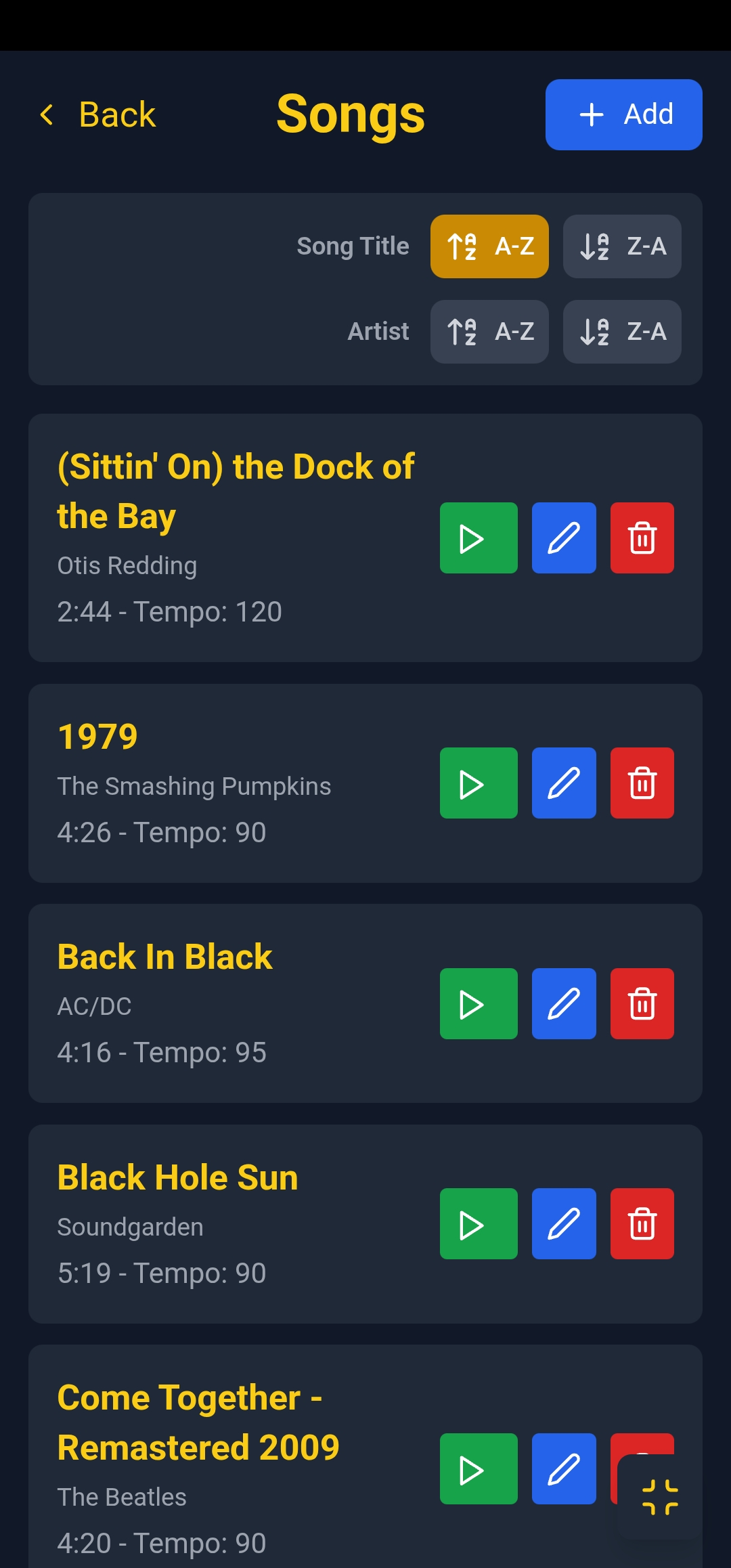
  • βœ“ Add unlimited songs with title, artist, duration, and Tempo
  • βœ“ Spotify lookup with professional metadata
  • βœ“ Search and sort your entire library
  • βœ“ Import/export songs as CSV spreadsheets
  • βœ“ Edit songs directly from any view
Song management interface
Smart Setlists

Organize Your Perfect Set

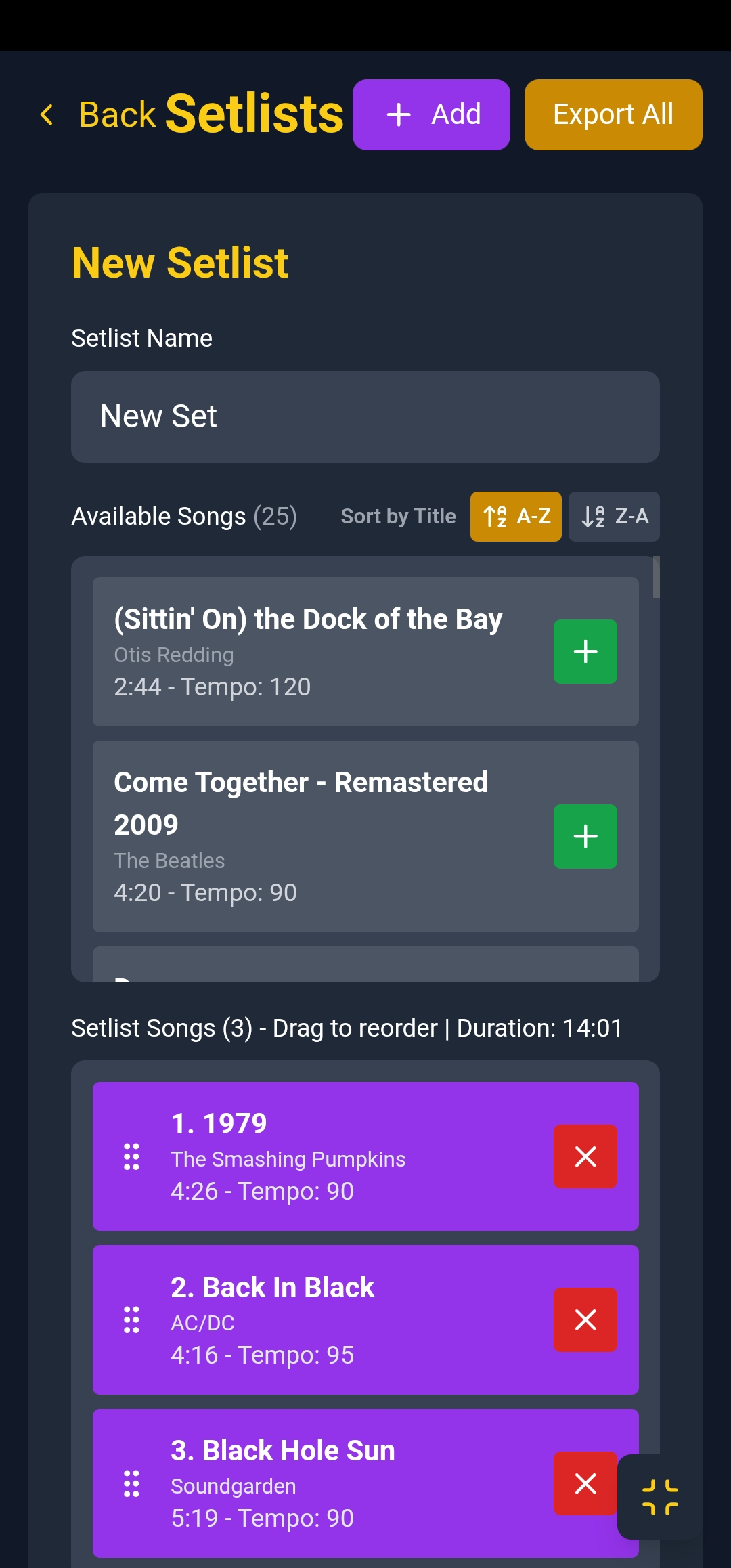
  • βœ“ Create unlimited setlists
  • βœ“ Easy! Click “+” to add songs to the Setlist
  • βœ“ Drag-and-drop song reordering
  • βœ“ View total setlist duration
  • βœ“ Quick add from song library
  • βœ“ Duplicate and customize setlists
  • βœ“ Export in CSV format to share with your group!
Setlist builder
Show Management

Multi-Setlist Shows Made Easy

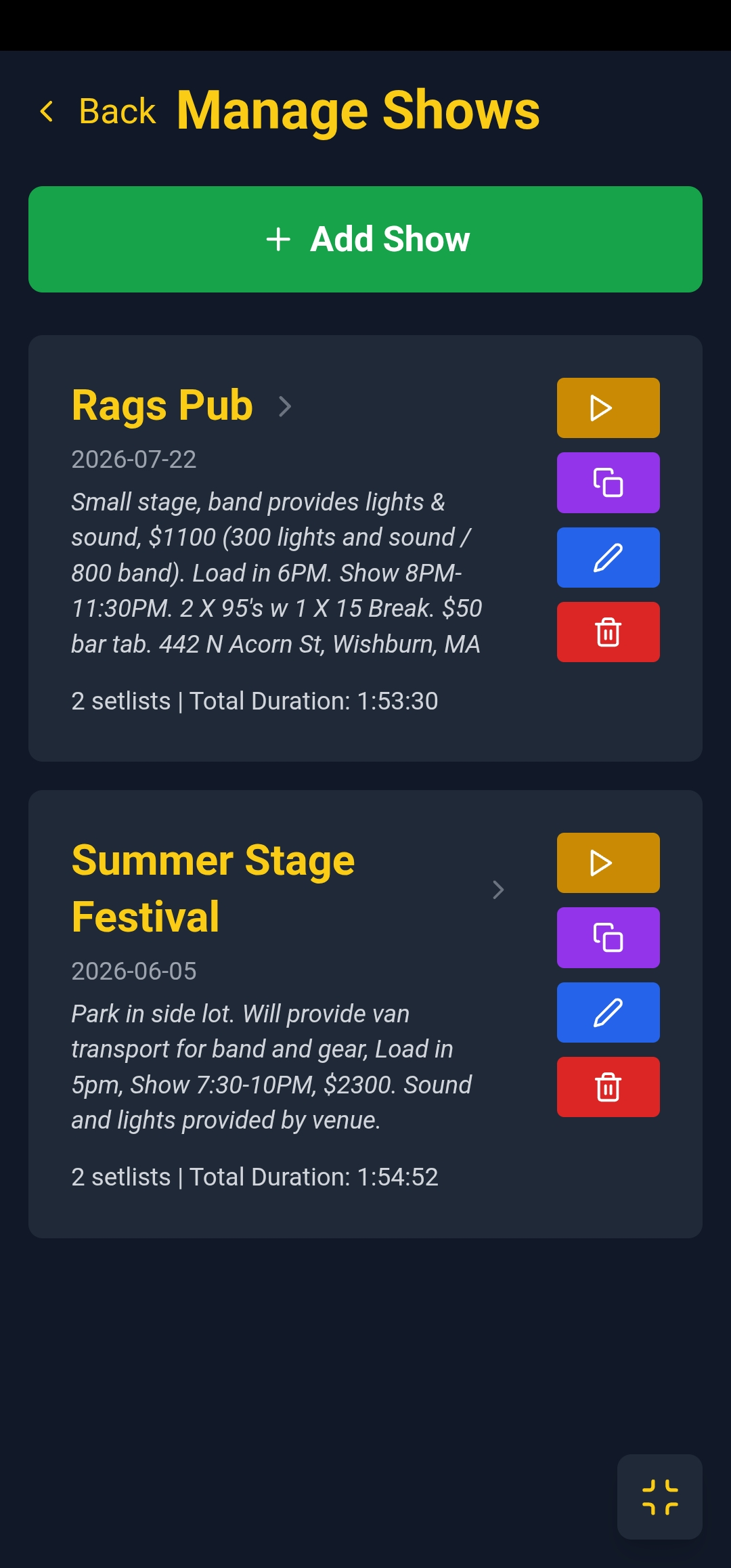
  • βœ“ Plan complete shows with multiple setlists
  • βœ“ View total show duration
  • βœ“ Quick access to all show setlists
  • βœ“ Copy shows to easily set up others
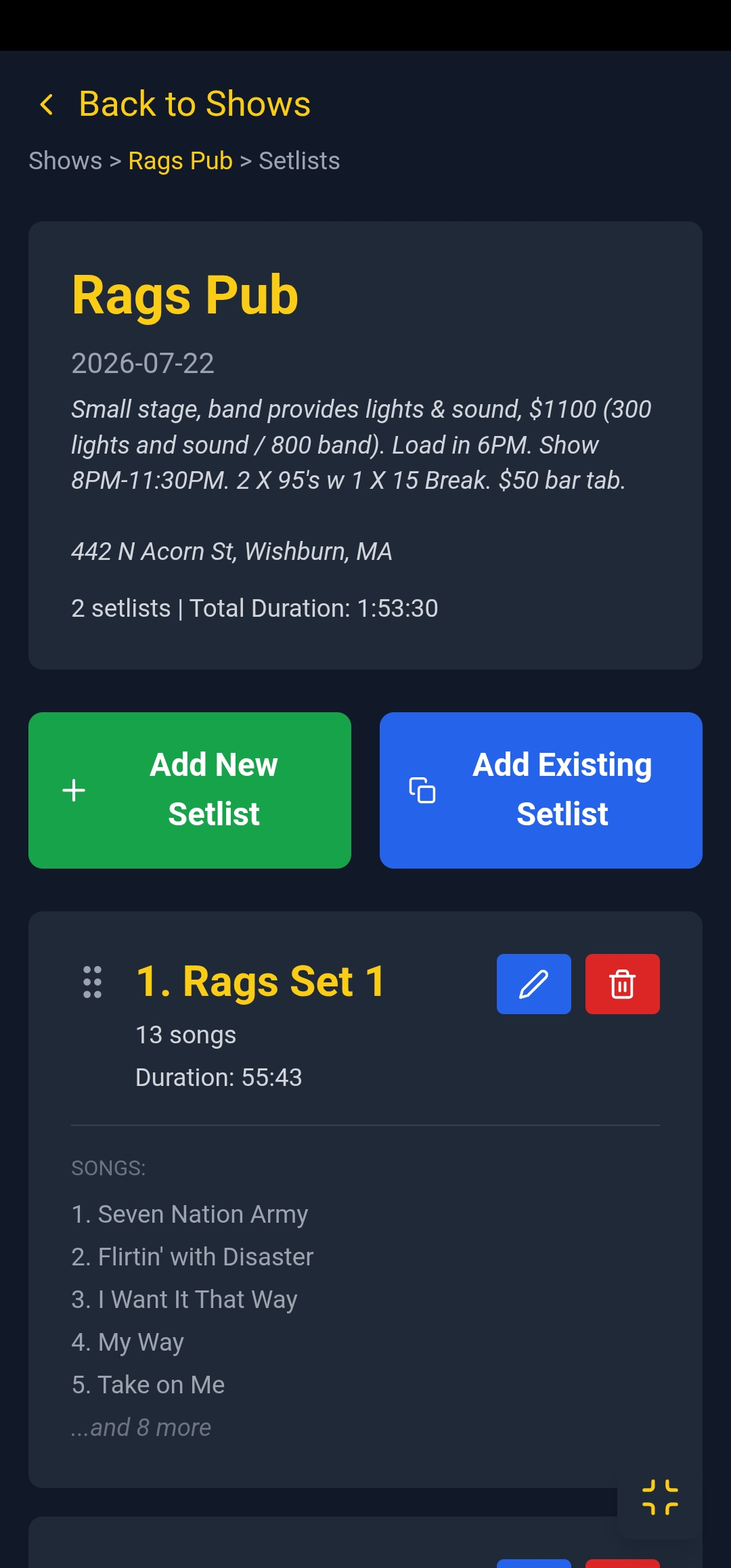
Shows management overview Show detail with multiple setlists
Live Playback

Perfect Timing On Stage

  • βœ“ Precision click tracks at any Tempo (20-300)
  • βœ“ Visual flash sync for timing
  • βœ“ Fullscreen performance mode
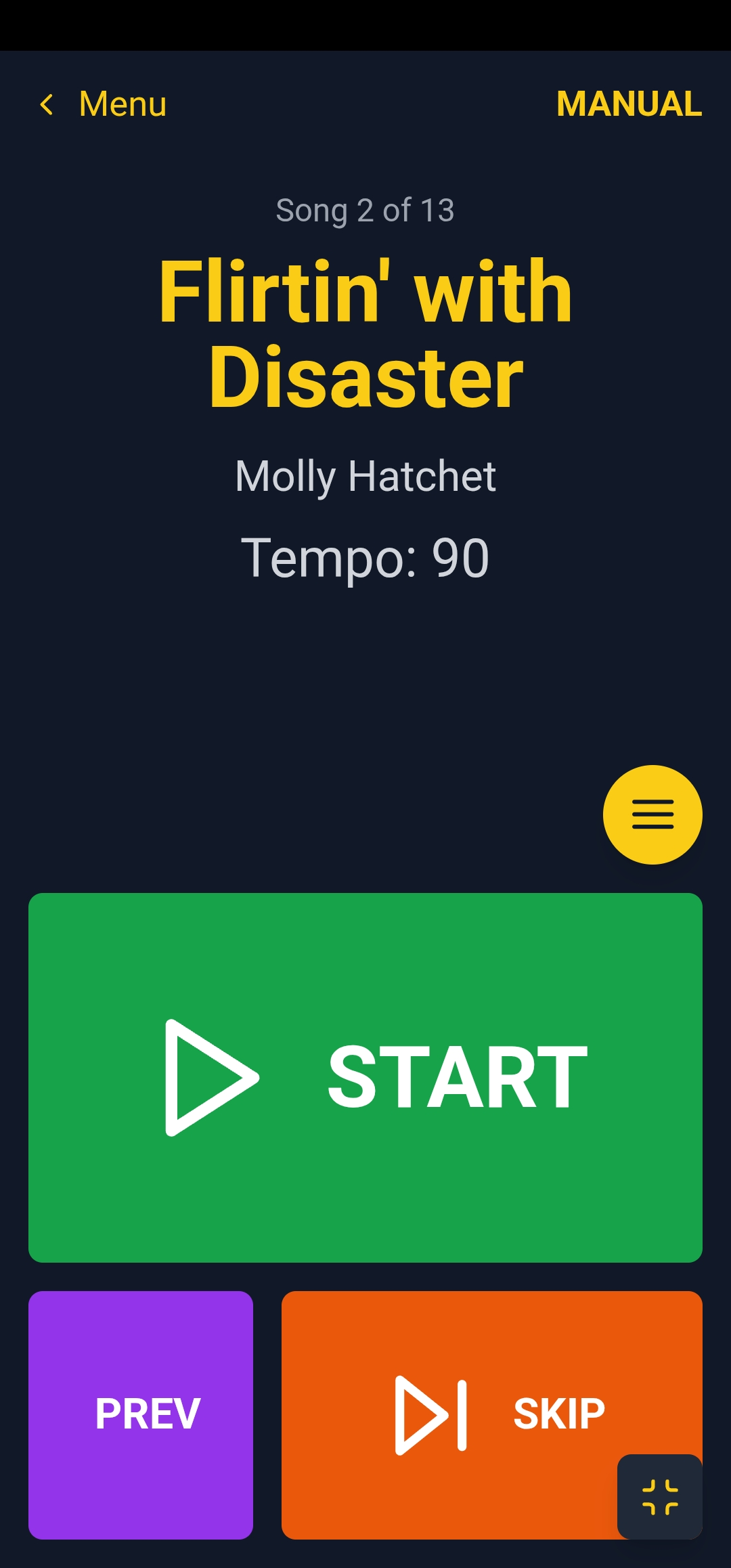
  • βœ“ Pause, skip, and previous song controls
Live playback screen

Is it a Website or an App? Both!

SetClick Pro is a Progressive Web App (PWA)—the best of both worlds.

🌐 Like a Website

  • Open instantly in any browser
  • No app store approval wait
  • Works across all devices
  • Updates automatically

πŸ“± Like a Native App

  • Install to home screen (Android/iPad/iPhone/Desktop)
  • Works completely offline
  • Full-screen mode
  • Fast, app-like performance

Installing SetClick Pro

iPhone/iPad

Safari: Tap Share button β†’ “Add to Home Screen”
Chrome: Tap Share (top right) β†’ “Add to Home Screen” β†’ App appears on your home screen!

Android

Install App: Open Chrome β†’ Menu β†’ “Install App” or “Add to Home Screen” β†’ Works offline like a native app!

Desktop

Install to Desktop: Open Chrome/Edge β†’ Click install icon in address bar β†’ Launch from apps menu or desktop shortcut!

πŸ’‘ Browser Bookmark Alternative

Prefer not to install? Simply bookmark SetClick Pro in your browser! Both methods work perfectlyβ€”installation gives you a dedicated home screen icon, while bookmarking keeps it accessible from your browser. Your choice!

Ready to Keep Perfect Time?

Join musicians worldwide using SetClick Pro for flawless live performances.

Launch App Now

No signup required β€’ Start using immediately